Google Cloud Configuration
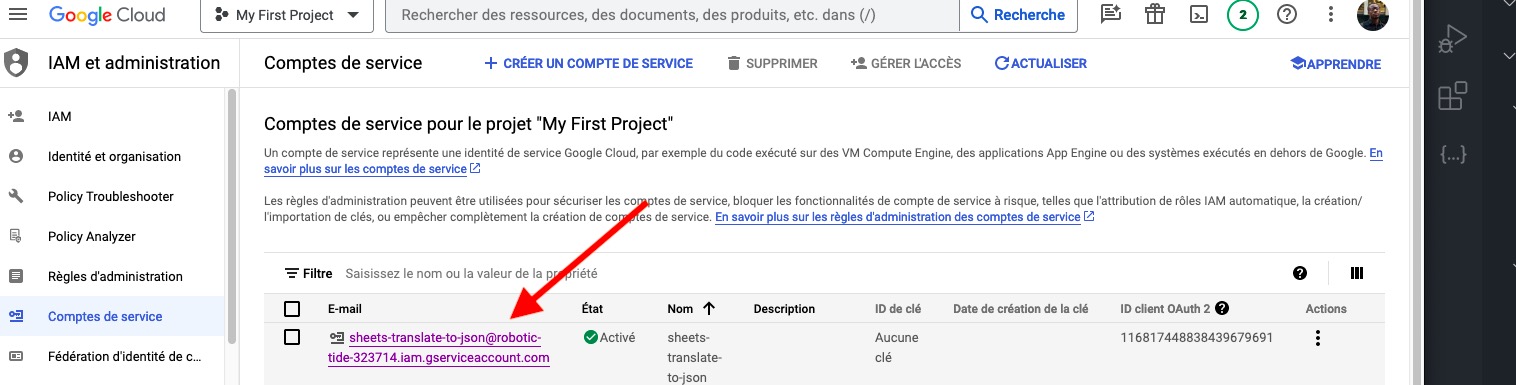
To use sheets-translate-to-json, you need a Google Cloud service account with access to the Google Sheets API.
Step 1: Create a Google Cloud project
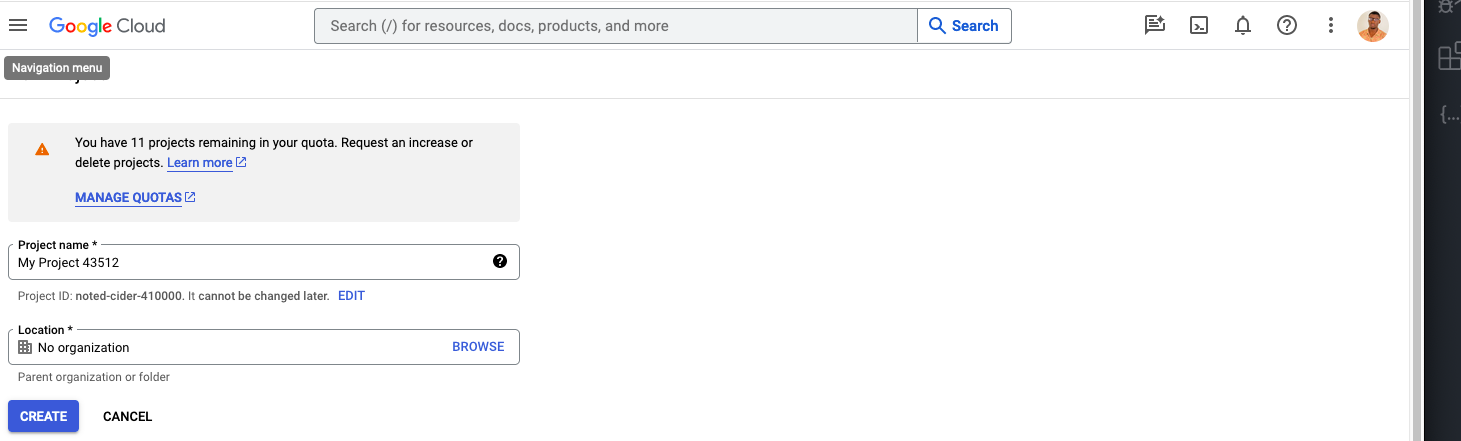
- Go to Google Cloud Console.
- Click the project selector at the top, then New Project.
- Enter a project name and click Create.
Step 2: Enable the Google Sheets API
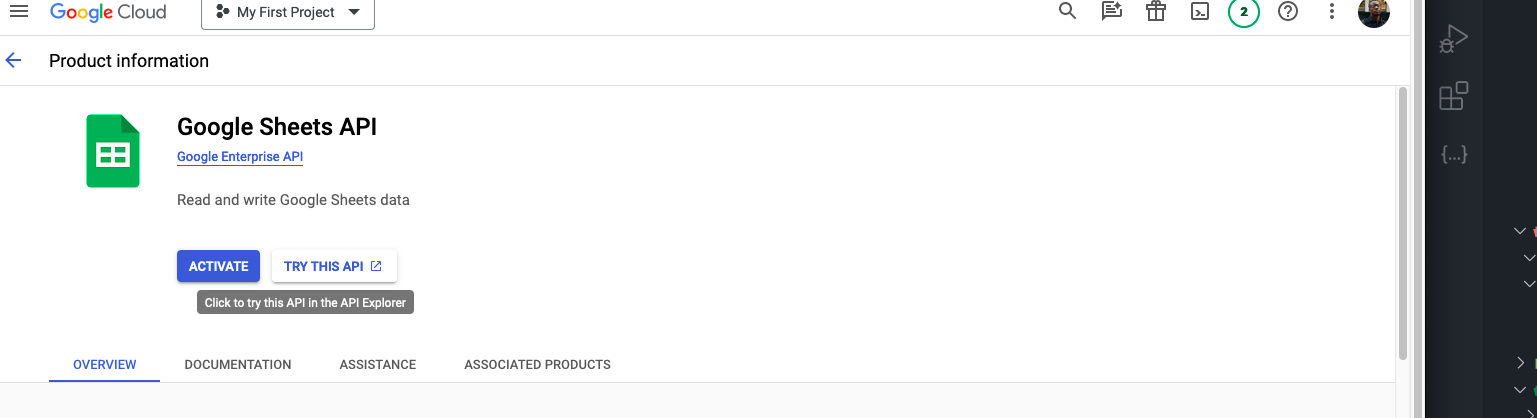
- In the navigation menu, go to APIs & Services > Library.
- Search for Google Sheets API and click Enable.
Step 3: Create a service account
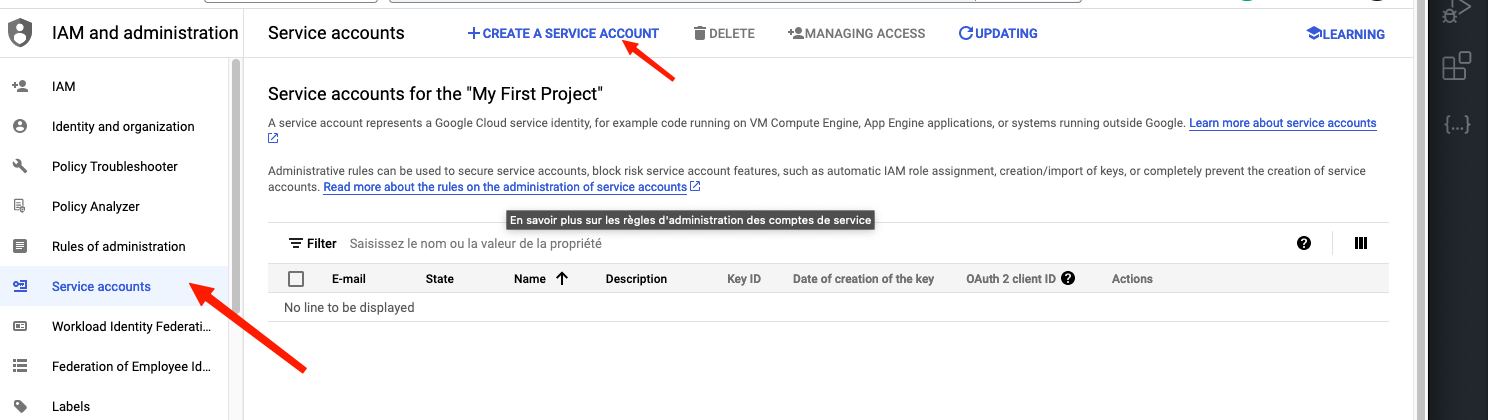
- Go to IAM & Admin > Service Accounts.
- Click Create Service Account.
- Enter a name and description, then click Create and Continue.
Step 4: Assign roles (optional)
- Select an appropriate role (e.g., Editor).
- Click Continue, then Done.
Step 5: Create a JSON key
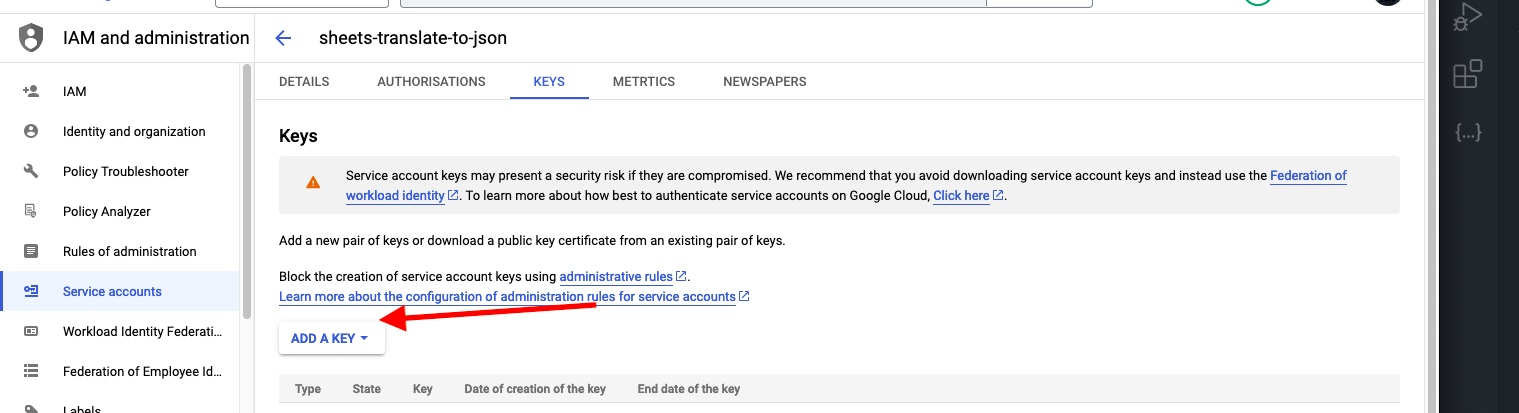
- Click on your service account, then go to the Keys tab.
- Click Add Key > Create new key.
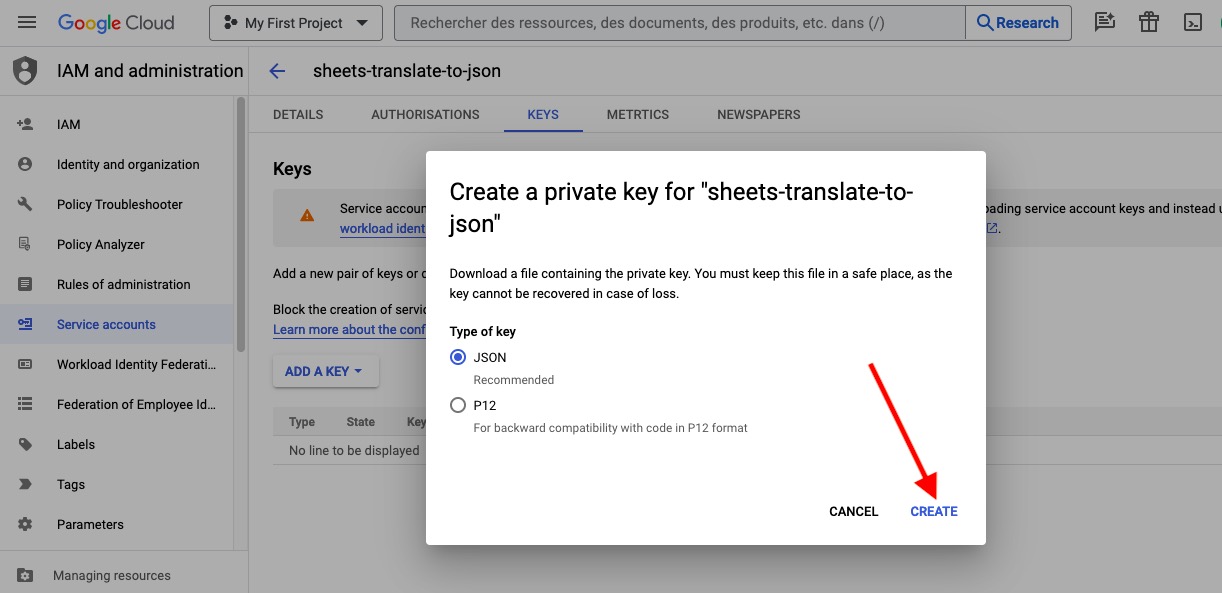
- Select JSON and click Create.
- A JSON file will be downloaded. Keep it secure.
caution
Never commit your service account key to version control. Use environment variables to store privateKey and clientEmail.
Step 6: Share your spreadsheet
Share your Google Sheets spreadsheet with the service account email (found in the JSON key file as client_email). Give it Editor access.